
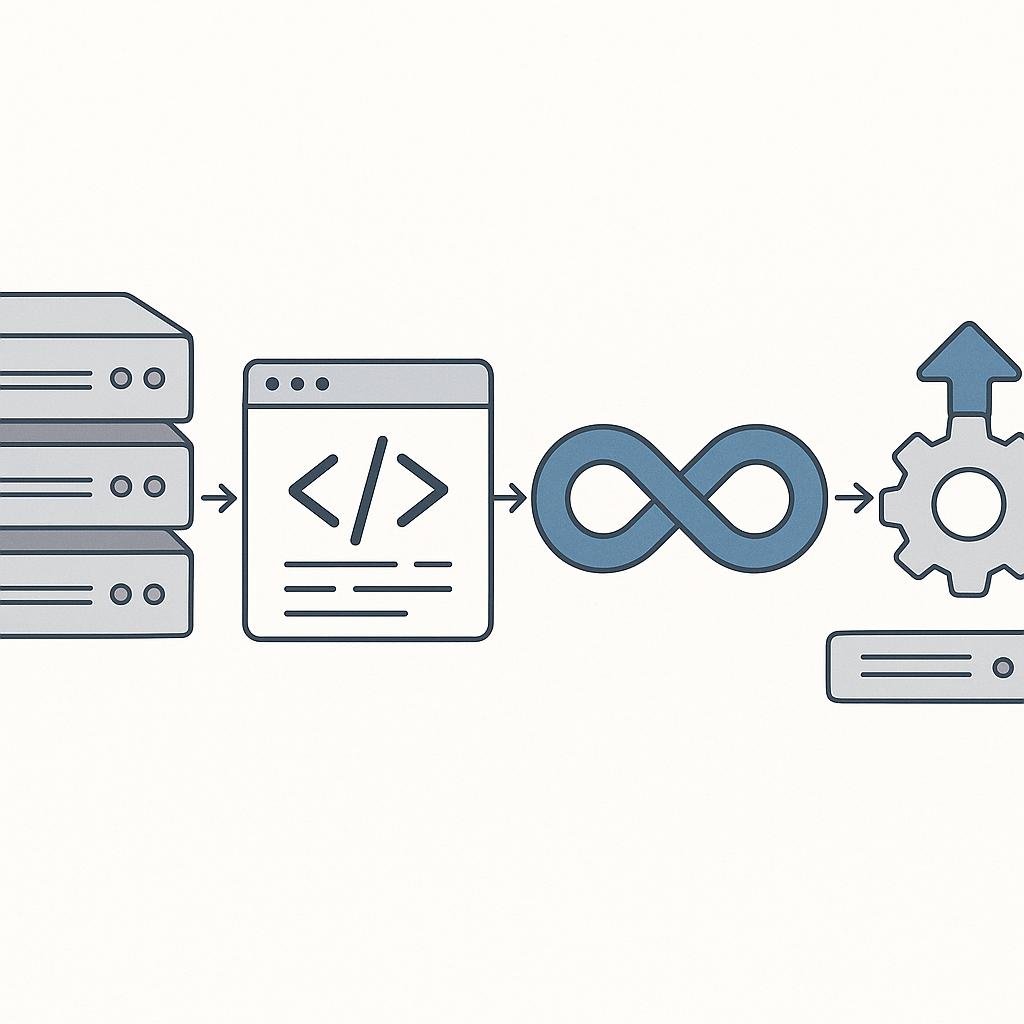
Imagine a world where your code changes are automatically tested, integrated, and deployed without manual intervention. Sounds like a dream, right? Well, that’s the promise of CI/CD—continuous integration and continuous deployment. It’s a game-changer for developers looking to streamline their workflow and reduce errors. But how exactly does it work, and how can you set it up? Let’s dive in!
What Is CI/CD?
CI/CD stands for Continuous Integration and Continuous Deployment. It’s an approach in software development that aims to deliver code changes more frequently and reliably through automation. The process helps teams to ship software faster and with fewer bugs.
Continuous Integration (CI) is a practice where developers frequently commit code to a shared repository. Each commit triggers an automated build and testing process, ensuring that the new code integrates seamlessly with the existing codebase. This practice aims to catch errors early when they’re cheaper and easier to fix.
Continuous Deployment (CD) takes the process a step further by automatically deploying every change that passes the CI phase to production. This means that new features, bug fixes, and other changes are delivered to users as soon as they’re ready, providing immediate value.
How It Works
The magic of CI/CD lies in its automated pipelines. Here’s a simplified breakdown of how they work:
- Code Commit: Developers write code and commit it to a version control system like Git.
- Build: The CI/CD pipeline kicks in, automatically building the application from the latest code.
- Test: Automated tests run to ensure that the new code doesn’t break any existing functionality.
- Deploy: If all tests pass, the code is automatically deployed to a staging or production environment.
This cycle happens continuously, allowing teams to release new software versions quickly and efficiently.
Step-by-Step Guide to Setting Up CI/CD
Setting up a CI/CD pipeline can seem daunting, but breaking it down into manageable steps can make the process more approachable. Here’s a step-by-step guide to get you started:
Step 1: Choose the Right Tools
There are numerous tools available for setting up CI/CD pipelines. Some popular choices include Jenkins, Travis CI, CircleCI, and GitLab CI/CD. You’ll want to select a tool that integrates well with your existing tech stack and meets the needs of your team.
Step 2: Set Up Version Control
CI/CD relies heavily on version control systems. Ensure your codebase is in a system like Git, and that your team is familiar with how it works. You’ll need a repository where all code changes are pushed and managed.
Step 3: Configure the CI Pipeline
Once you’ve chosen your tools and set up version control, it’s time to configure the CI pipeline. This involves defining the steps for building and testing your code. Most CI tools provide configuration files where you can specify the commands and scripts to run during the build and test phases.
Step 4: Automate Testing
Automated testing is a cornerstone of CI. Write unit tests, integration tests, and other relevant tests to ensure code quality. Integrate these tests into your CI pipeline so that they’re executed automatically with each code change.
Step 5: Set Up CD for Deployment
With CI in place, you can extend the pipeline to include continuous deployment. Define the deployment steps and environments in your configuration file. Make sure your deployment strategy aligns with your team’s needs, whether that’s deploying to a staging environment first or directly to production.
Step 6: Monitor and Improve
After setting up your CI/CD pipeline, it’s essential to monitor its performance and make improvements over time. Keep an eye on build times, test coverage, and deployment success rates. Use this data to optimize your pipeline and ensure it’s delivering the best results.
Common Mistakes to Avoid
Despite the benefits of CI/CD, there are common pitfalls teams should watch out for:
- Skipping Tests: Never skip tests. They are crucial for ensuring code quality.
- Overcomplicating Pipelines: Keep your pipelines simple and focused. Overly complex pipelines can be hard to maintain.
- Ignoring Feedback: Use the feedback from your CI/CD pipeline to improve your code and processes.
- Neglecting Security: Ensure your pipeline is secure, particularly if deploying to production environments.
Real-World Examples
To put theory into practice, let’s look at some real-world examples of CI/CD in action:
Example 1: Spotify
Spotify uses CI/CD to deliver new features and updates to its millions of users swiftly. By automating its release process, Spotify can push updates several times a day, ensuring that users always have access to the latest features.
Example 2: Netflix
Netflix leverages CI/CD to manage its extensive microservices architecture. With automated testing and deployment, Netflix can ensure that its streaming service is always available and performing well, even as it rolls out new features.
Example 3: Facebook
Facebook employs an advanced CI/CD system to handle its massive codebase. This system allows Facebook to deploy updates to its platform quickly, often several times a day, ensuring that new features and improvements reach users without delay.
Final Thoughts
Embracing CI/CD can transform your development process, enabling you to deliver high-quality software faster and more reliably. While setting up a CI/CD pipeline requires an upfront investment in time and resources, the long-term benefits far outweigh the initial effort. By automating your build, test, and deployment processes, you’ll not only improve the efficiency of your team but also enhance the satisfaction of your users. Start small, iterate, and continuously refine your pipeline to meet the growing needs of your project. Happy coding!