
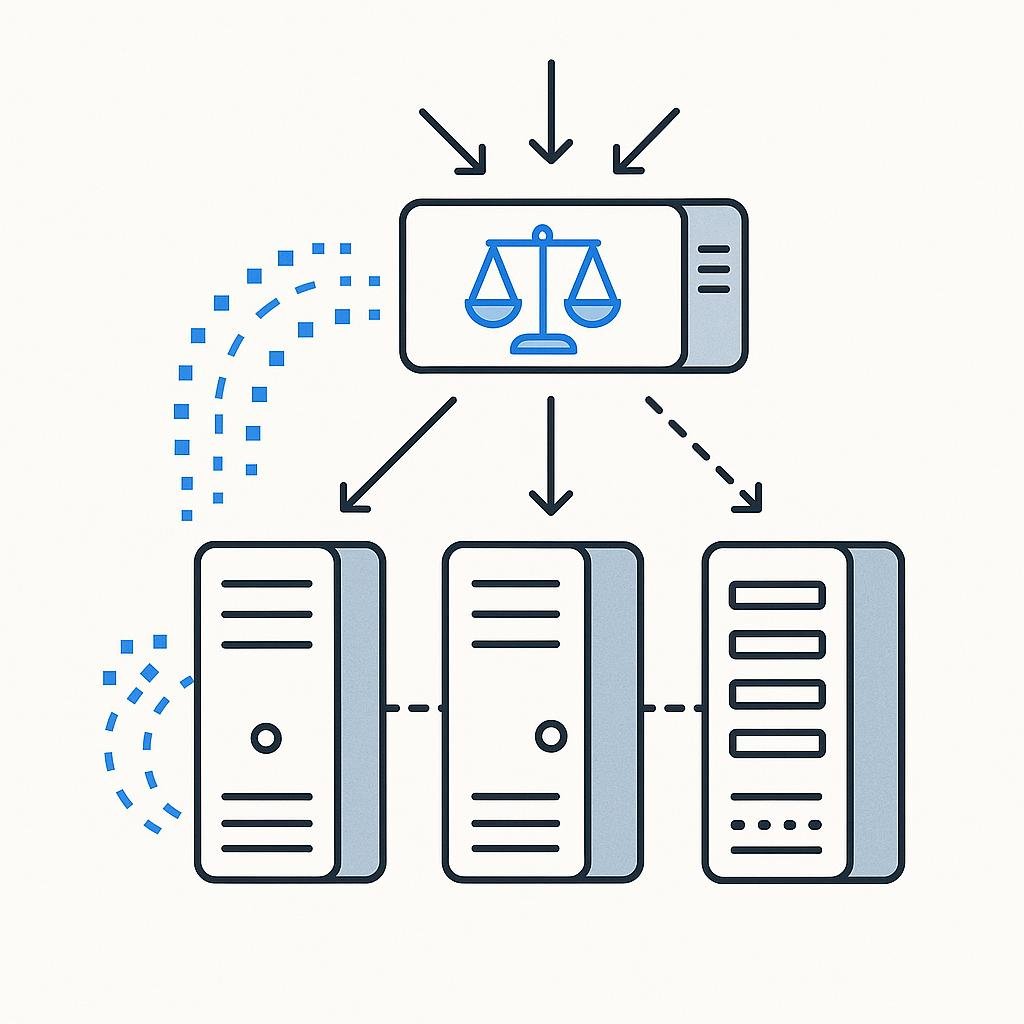
Imagine visiting a bustling restaurant where the waiters skillfully manage the crowd, ensuring every diner is served promptly and efficiently. That seamless experience is akin to what load balancing does for your online applications. It’s the behind-the-scenes magic that ensures your website or app remains responsive even during peak traffic times.
What Is Load Balancing?
Load balancing is a critical process in systems engineering used to distribute network or application traffic across multiple servers. By doing this, it ensures no single server becomes overwhelmed with too much demand, which could lead to poor performance or even server crashes. The primary goal of load balancing is to optimize resource use, maximize throughput, minimize response time, and prevent overload.
Think of load balancers as traffic cops directing the flow of data requests to different servers, ensuring each server gets a fair share of the traffic. This ensures that users get fast, reliable service, even during traffic spikes. Load balancing is fundamental to creating a resilient architecture, enabling redundancy and scalability in your infrastructure.
How It Works
Load balancers work by evenly distributing incoming network traffic across a group of backend servers, also known as a server farm or server pool. The load balancer sits between client devices and backend servers, acting as a reverse proxy that redirects requests to available servers.
- Client Request: A client, such as a web browser, sends a request to access a website or application.
- Load Balancer Receives Request: The load balancer receives this request and determines which server in the pool is available and least loaded.
- Forwarding Request: The load balancer forwards the request to the chosen server.
- Server Response: The server processes the request and sends the response back to the load balancer.
- Client Receives Response: Finally, the load balancer sends the response back to the client.
This process happens in milliseconds, ensuring a seamless user experience without them even realizing what’s going on behind the scenes.
Step-by-Step Guide to Setting Up Load Balancing
Setting up a load balancer requires careful planning and execution. Here’s a step-by-step guide to help you get started:
- Assess Your Needs: Determine the expected traffic load, the type of applications you are running, and the performance requirements. Understanding these will help you choose the right type of load balancer.
- Choose a Load Balancer Type: Decide whether you need a hardware, software, or cloud-based load balancer. Hardware load balancers are physical devices, while software load balancers are applications that run on standard servers. Cloud-based load balancers are services provided by cloud vendors.
- Configure Your Load Balancer: Set up your load balancer by defining the server pool, configuring health checks, and setting load balancing rules. Health checks are used to regularly check the status of each server to ensure they’re available to handle requests.
- Test the Configuration: Before going live, simulate traffic to ensure that your load balancer distributes requests evenly and that your servers can handle the load.
- Monitor and Adjust: Once live, continuously monitor the performance of your load balancer and servers. Adjust configurations as needed to handle changes in traffic patterns or server performance.
Common Mistakes to Avoid
While setting up load balancing is straightforward, certain pitfalls can affect its effectiveness. Here are some common mistakes to avoid:
- Ignoring Security: Load balancers are often the first point of contact for incoming traffic. Ensure they are configured to protect against threats like DDoS attacks.
- Poor Capacity Planning: Not anticipating the volume of traffic can lead to server overload. Always plan for peak traffic conditions.
- Overlooking Health Checks: Failing to configure regular health checks can result in traffic being sent to down or overloaded servers.
- Single Point of Failure: Ensure your load balancer itself is not a single point of failure by implementing redundancy, such as multiple load balancers working together.
Real-World Examples
Let’s look at some real-world scenarios where load balancing plays a critical role:
- Online Retailers: E-commerce platforms like Amazon use load balancing to manage millions of transactions during peak times like Black Friday. This ensures that their site remains responsive and transactions are processed smoothly.
- Streaming Services: Services like Netflix rely on load balancing to distribute viewer requests across multiple servers globally, ensuring a smooth viewing experience without buffering.
- Financial Institutions: Banks use load balancing to manage online banking services, ensuring secure and uninterrupted access to account holders.
Final Thoughts
Load balancing is a cornerstone of modern systems engineering, ensuring that applications remain available, responsive, and scalable. By effectively distributing network traffic, load balancers help prevent server overloads and downtime, which can be costly and damaging to your reputation. Whether you’re running a small blog or a large-scale enterprise application, understanding and implementing load balancing is crucial to maintaining a robust and reliable service. As technology continues to evolve, load balancing will remain an essential aspect of infrastructure management, adapting to new challenges and opportunities.